The 8 Best ChatGPT Alternatives in 2026 (Free and Paid)
We compared eight AI tools for anyone looking beyond ChatGPT: free use, whether you need an account, source citations, interface language and US pricing.
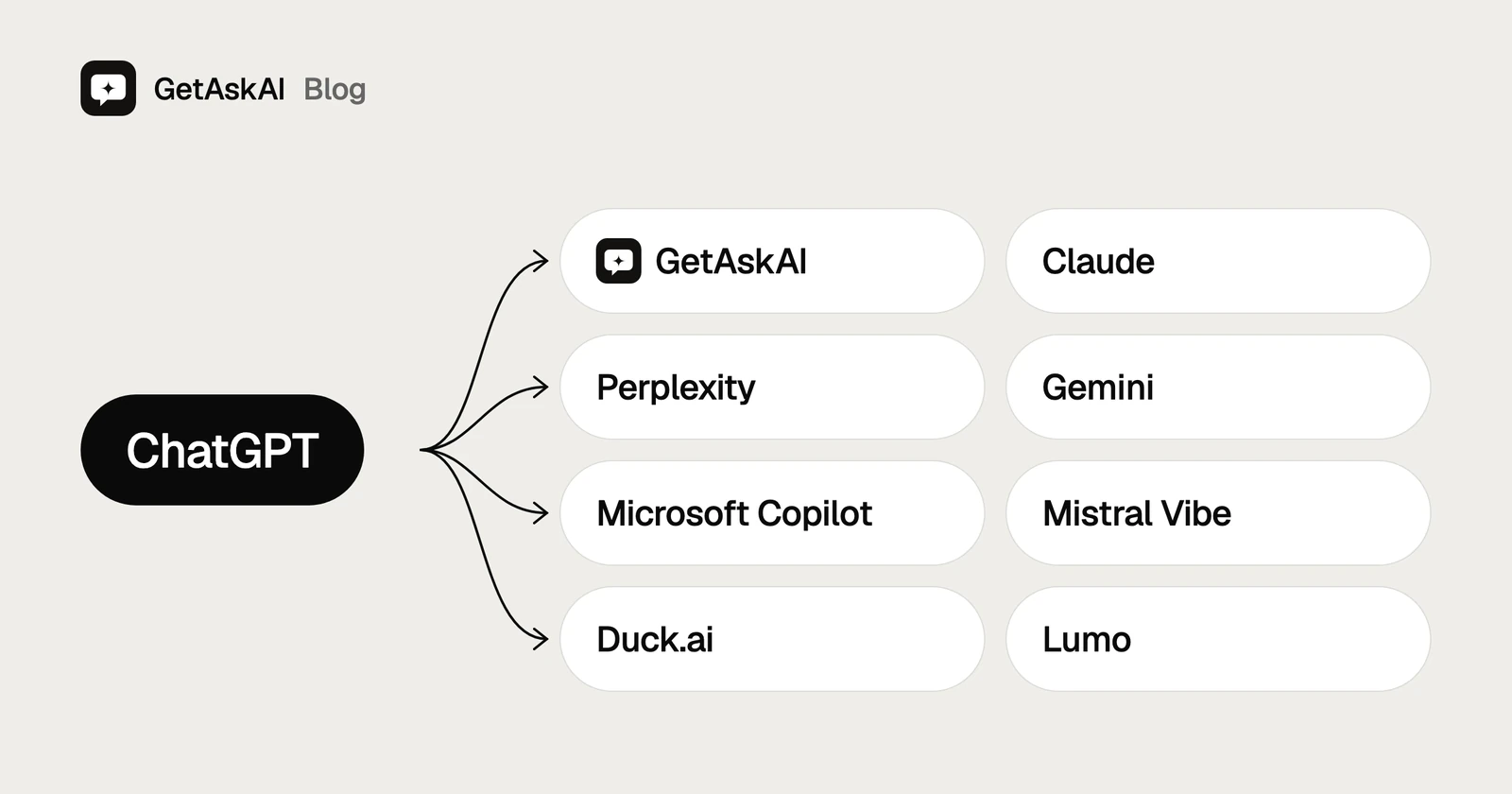
TL;DR
- If you want answers right away, with no account and sources included, GetAskAI stands out; Duck.ai and Lumo are the other no-account options.
- Claude is also a good pick for long documents and writing, Perplexity for source-backed research, and Gemini if you work in Google apps.
- Every free version comes at a cost: usage limits, a required account, or ads.
- ChatGPT's free plan is still strong; trying an alternative doesn't mean giving it up.
On this page
- TL;DR
- Why are people looking for ChatGPT alternatives?
- ChatGPT alternatives compared
- How we compared ChatGPT alternatives
- The 8 best ChatGPT alternatives
- ChatGPT alternatives you can use without an account
- What to watch for in free ChatGPT alternatives
- Which ChatGPT alternative should you choose?
- When is ChatGPT still the right choice?
- Frequently asked questions
If you want answers right away, with no account and sources included, start with GetAskAI; Duck.ai and Lumo are the other no-account options. Claude is also a good pick for long documents, and Perplexity for source-backed research.
Why are people looking for ChatGPT alternatives?
ChatGPT's free plan is still strong. According to OpenAI's pricing page, typed questions are unlimited on the free plan (only abuse guardrails apply), while file uploads, image generation and voice are limited. You can even ask questions on the home page without signing in. Still, people tend to look elsewhere for one of five reasons:
- No account: Uploading files or generating images in ChatGPT requires signing in. If you'd rather not, you need a tool that works without one.
- Seeing sources: When you're checking something current, you want to know which page the information came from, so tools that cite sources win out.
- Privacy: Some people don't want their questions tied to a profile, so they go for tools that don't ask for an account.
- Better results for a specific job: Long documents, coding, or working inside Google and Microsoft apps can each call for a different tool.
- Price: ChatGPT Plus costs $19.99 a month, so anyone after something cheaper, or completely free, starts shopping around.
Each of the eight ChatGPT alternatives below covers at least one of these needs.
ChatGPT alternatives compared
| Tool | Best for | Free version | Account | Shows sources | Non-English interface | Paid plan (monthly) |
|---|---|---|---|---|---|---|
| GetAskAI | Fast, sourced answers without an account | Yes; ad-supported | Not needed | Yes, in web searches | Yes | None |
| Claude | Long documents and writing | Yes; 5-hour and weekly limits | Required | Yes, in web searches | Yes | $20/mo (Pro) |
| Perplexity | Research with sources | Yes | Partly | Yes, in web searches | Yes | $20/mo (Pro) |
| Gemini | Working in Google apps | Yes | Partly | Sometimes | Yes | $4.99/mo (Google AI Plus) |
| Microsoft Copilot | Working in Microsoft 365 | Yes | Required | Yes, in web searches | Yes | $9.99/mo (Microsoft 365 Personal) |
| Mistral Vibe | A European option (France) | Yes; limited messages and web searches | Partly | When web search is on | No (stayed in English) | $14.99/mo (Pro) |
| Duck.ai | Privacy-first use | Yes; usage limit | Not needed | When web search is on | Yes | $9.99/mo (DuckDuckGo subscription) |
| Lumo | Privacy-focused use (Switzerland) | Yes; limited messages | Not needed | When web search is on | Yes | $12.99/mo (Lumo Plus) |
How to read the table
- Price: Taken from the in-app purchase list in the US iOS App Store; monthly subscription, before sales tax, November 12, 2026. The column shows each tool's cheapest paid plan that includes its AI features; GetAskAI has no paid plan. These are US App Store prices, and subscribing on the tool's website may cost a different amount.
- Account: "Not needed" means you can ask questions without signing in, and "Required" means even the free version asks you to sign in. "Partly" means there's a condition in between: Perplexity and Gemini let you ask questions signed out but keep some features behind an account, and Mistral Vibe asks you to accept its terms before you start. In our check, Microsoft Copilot's address sent us to a sign-in page.
- Sources: "In web searches" means the tool adds source links to answers it looks up on the web, and "when web search is on" means you have to switch web search on yourself from the Tools menu. This is based on each tool's own help and product pages.
- Non-English interface: Whether the signed-out screen switched to the browser's language when we opened it with a Turkish-language browser. For Claude and Microsoft Copilot, that screen is the sign-in page.
Try it without an account
Ask GetAskAI anything, no sign-up needed. It's free and supported by ads.
How we compared ChatGPT alternatives
On November 11 and 12, 2026, we opened each tool on its own site, signed out, with both English and Turkish browser settings. We looked at five things:
- Free version: Is there one, and what limits does the tool's own page list?
- Account: Can you ask a question without signing in?
- Sources: Does the tool show the pages its answer is based on?
- Non-English interface: Does the screen switch to a non-English browser language?
- Price: What does the cheapest paid plan cost per month in the US?
We didn't score speed or answer quality. We only included information we could confirm on each tool's own pages.
For prices, we went with what a reader in the US would actually see, so every figure comes from the US iOS App Store listing, in US dollars. The screenshots below were taken during the same check, signed out.
The 8 best ChatGPT alternatives
This isn't a ranking; each tool stands out for a different job. That's why every entry below covers who it suits, what it does well and where it falls short. We're starting the list with our own tool, GetAskAI.
1. GetAskAI: for quick questions without an account
GetAskAI is a free AI tool that works without an account, runs in 14 languages and, for questions that need a web search, gives answers with sources attached. It runs right in your browser with no email or app download, and there's also a browser extension for Chrome, Edge and Firefox. It brings several large language models together and routes each question to the one that fits. Sources are listed under the answer as clickable links.
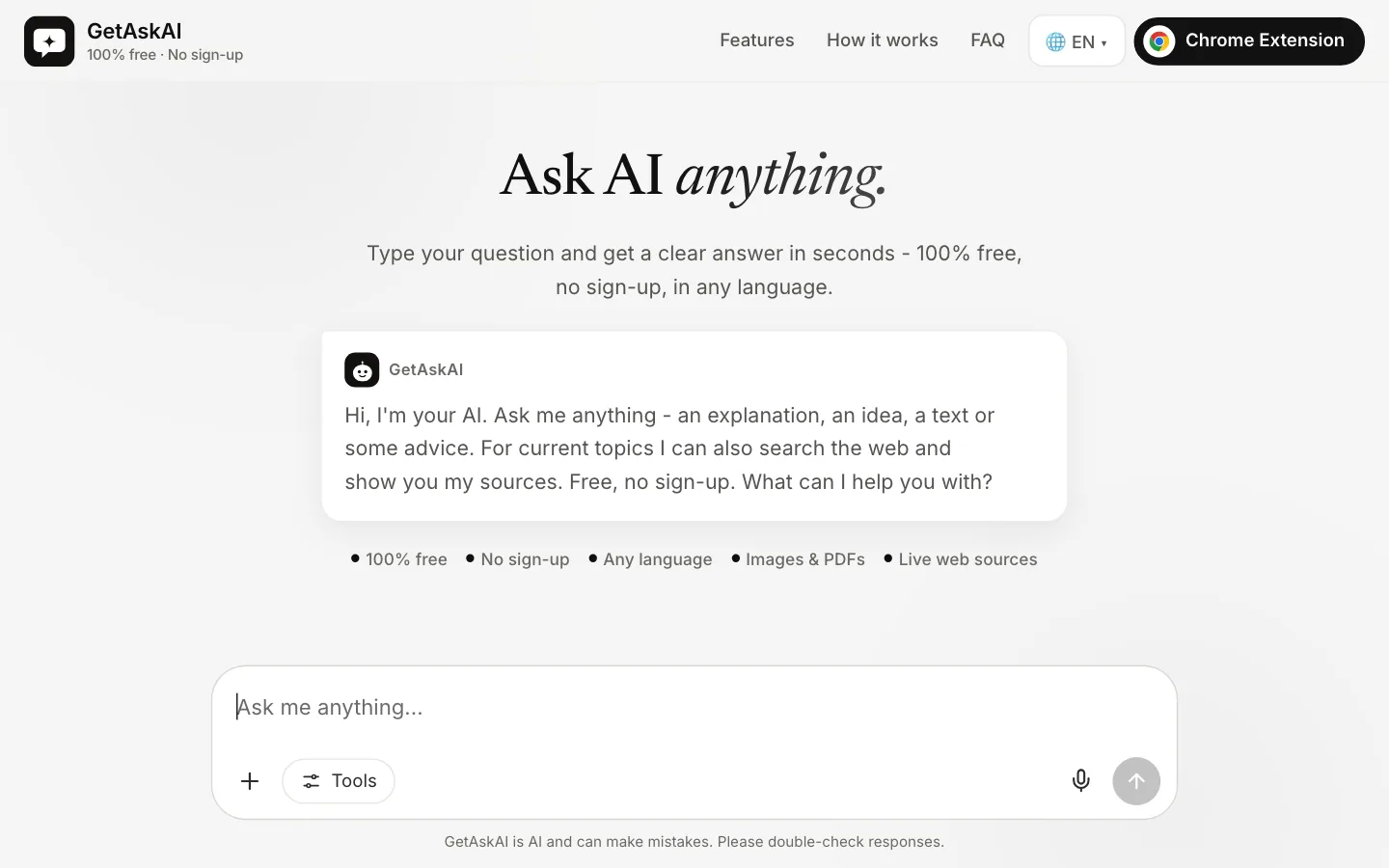
You can upload an image or a PDF and ask about it, or ask by voice with your microphone. It answers in whatever language you ask in.
- Best for: Quick answers in your own language, with no sign-up and sources you can check.
- Strengths: No account, no paid plan, and sourced answers for questions that need research. With the browser extension, you can ask about a web page or video while you have it open.
- Limitations: It shows ads to stay free. There's a daily usage limit, but you're unlikely to hit it in normal use. Since there's no account, your past questions aren't saved, and once you close the page you can't go back to them. It doesn't generate images or videos. For very long research projects and advanced coding work, the paid plans of Claude or ChatGPT are a better fit.
How your questions are handled is explained on the privacy page, and other common questions are answered in the FAQ on the home page.
2. Claude: for working with long documents and writing
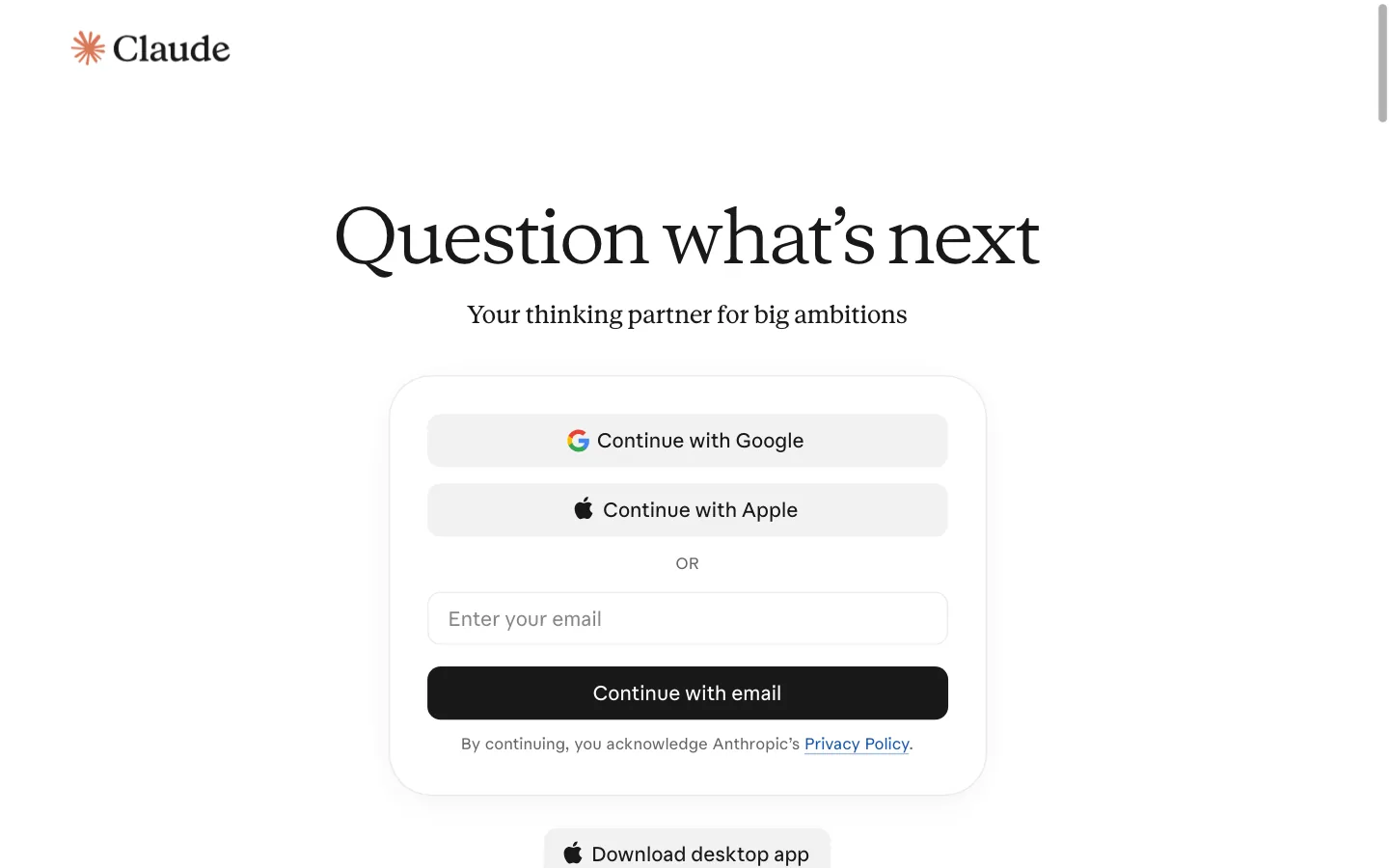
Anthropic's Claude includes web search, file creation, memory and a workspace called Artifacts on its free plan. Usage is subject to 5-hour and weekly limits, and once you reach one you'll need to wait a while.
- Best for: Reading and summarizing long documents, and writing or editing text.
- Strengths: Web search and Artifacts on the free plan. Answers it looks up on the web come with source links.
- Limitations: You can't use it without an account. The Pro plan is $20 a month, and for heavier use there's Max at $124.99 a month and Ultra at $249.99 a month.
3. Perplexity: for seeing where an answer comes from
Perplexity works like a search engine: for questions that need a web search, it shows the pages it used to write the answer as numbered sources. You can ask questions without signing in, which makes it handy for a quick fact check.
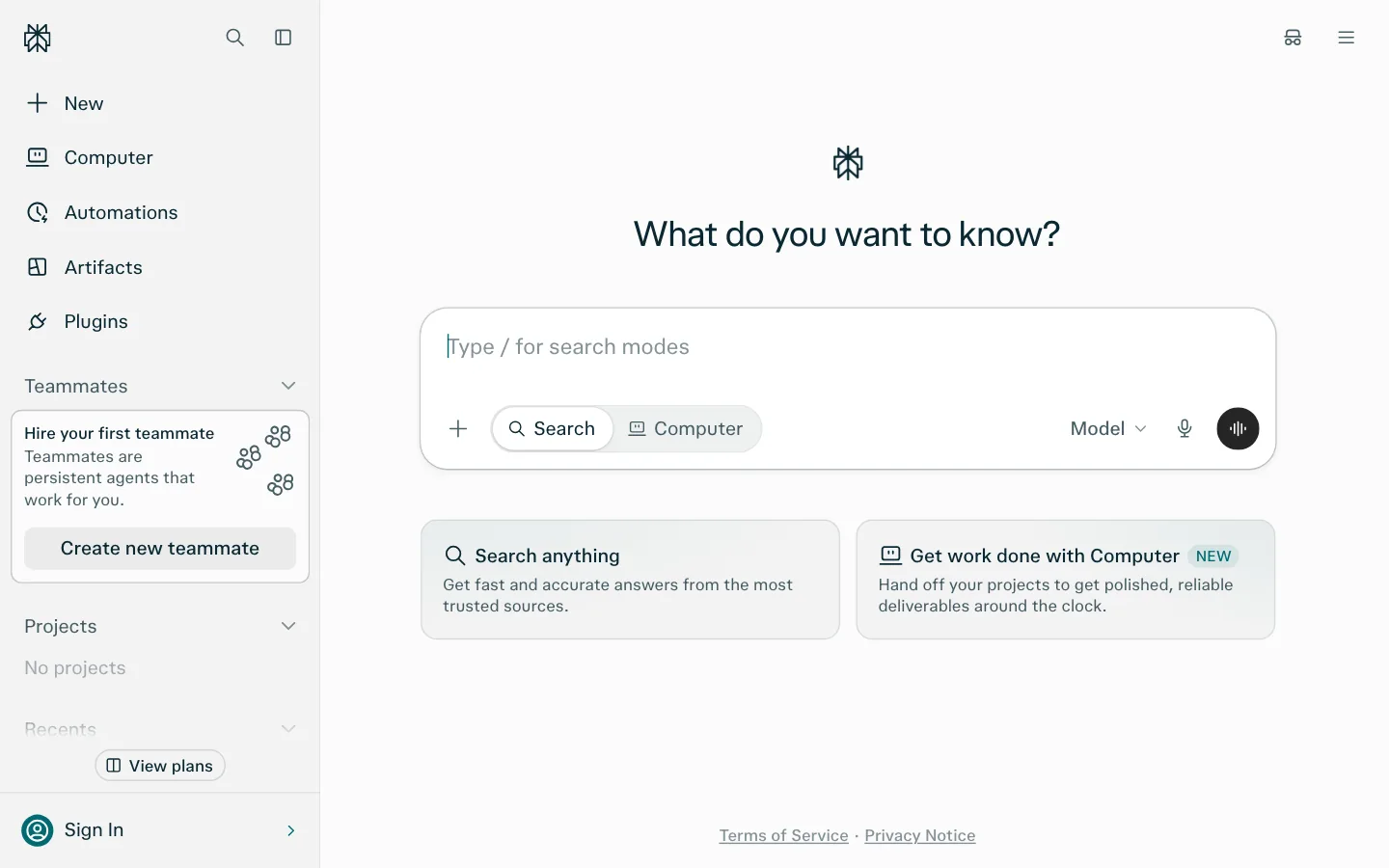
- Best for: Researching a current topic and checking where each piece of information came from.
- Strengths: Sources sit right inside the answer as clickable links.
- Limitations: The free plan's limits aren't spelled out with numbers on its pricing page. In our check, a sign-up prompt appeared after a few seconds; you can close it. Pro is $20 a month, and the top plan, Max, is $200 a month.
4. Gemini: for people who live in Google apps
Sign in to Gemini, Google's AI assistant, with a free Google account and you get the Flash-Lite model, image generation, Deep Research, Gemini Live for voice, and Canvas. You can ask questions signed out too, but saving your question history and using every feature requires a Google account.
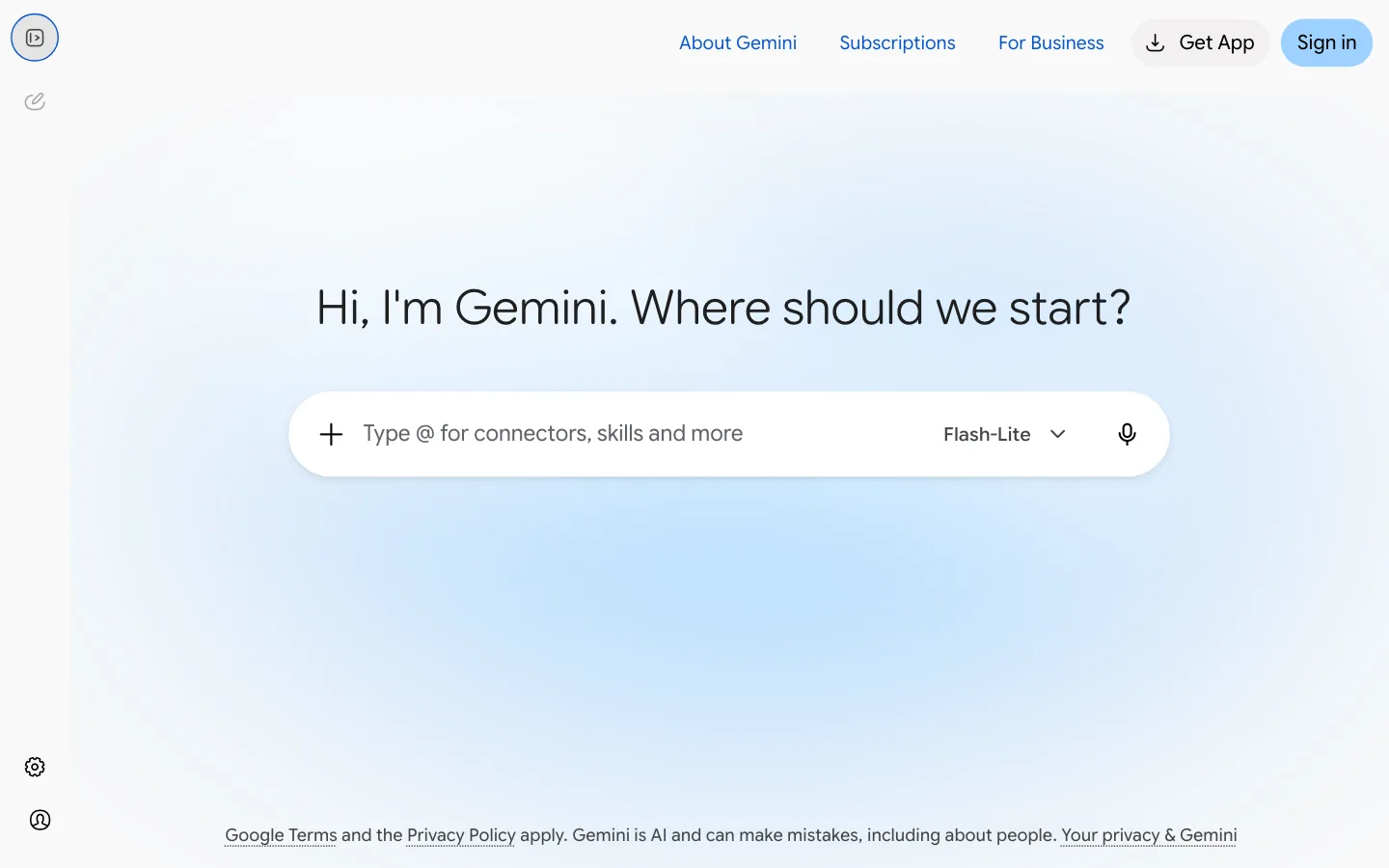
- Best for: People who work in Gmail, Drive and Google Docs.
- Strengths: Image generation and Deep Research on the free plan.
- Limitations: It's most useful when you're signed in to your Google account. It doesn't always show sources; according to Google's help page, the sources button appears only on some answers. Paid plans include Google AI Plus at $4.99 a month and Google AI Pro at $19.99 a month.
5. Microsoft Copilot: for Microsoft 365 users
Copilot, Microsoft's AI assistant, has a free version; higher usage and the Copilot features inside Microsoft 365 apps require a subscription.
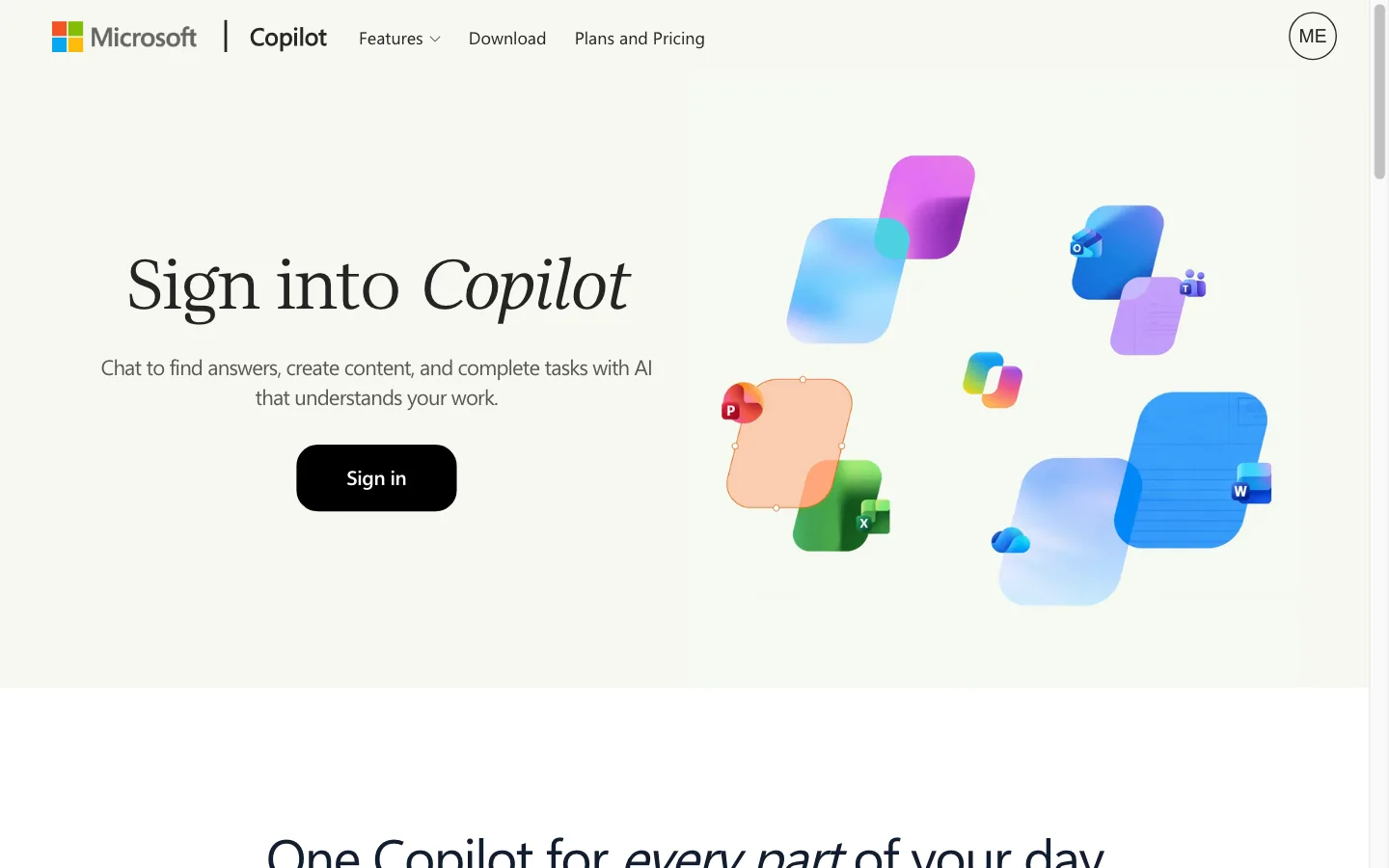
- Best for: People who already do their work in Microsoft 365 apps.
- Strengths: Copilot is included in a Microsoft 365 Personal subscription. Answers based on the web list their source links below the text.
- Limitations: In our November 12, 2026 check, the Copilot address redirected to a sign-in page, so trying even the free version meant signing in. Microsoft 365 Personal is $9.99 a month and Premium is $19.99 a month.
6. Mistral Vibe: for anyone who wants a European provider
Vibe, from the French company Mistral, was known as Le Chat until recently. The free plan includes a limited number of messages and web searches, plus basic image generation.
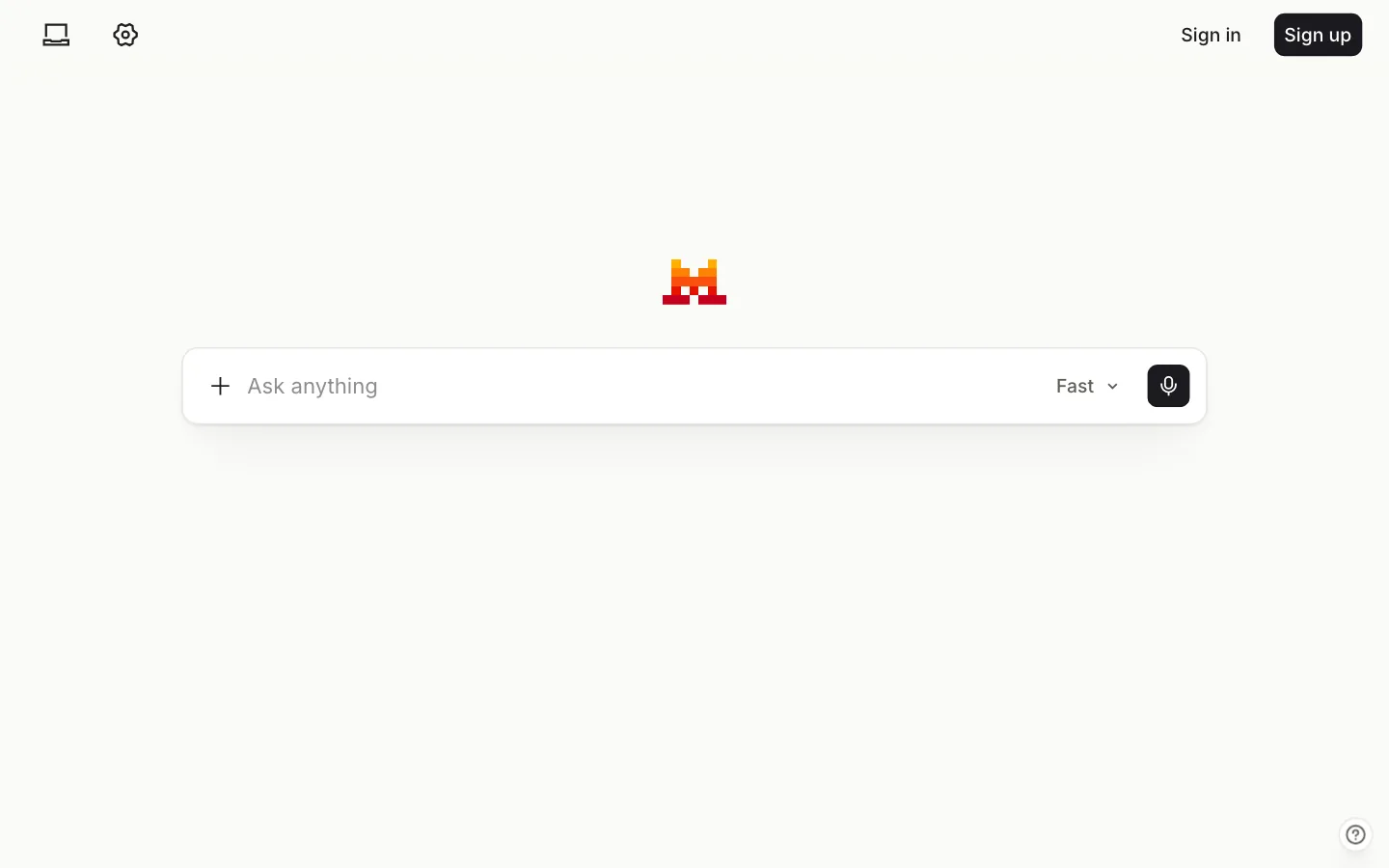
- Best for: People who prefer a European provider.
- Strengths: Web search and image generation together on the free plan. With web search on, answers include source links.
- Limitations: You have to accept the terms before you start, and the screen shows sign-in options. In our check with a Turkish browser, the interface stayed in English. Pro is $14.99 a month.
7. Duck.ai: for privacy-first users
Duck.ai is DuckDuckGo's free AI tool. It doesn't ask for an account, and you can choose between models from several companies. In November 2026, the free list included models such as Claude Haiku 5.5, Mistral Small 4, GPT-6 Luna and Gemma 4. DuckDuckGo says questions are anonymized before they're passed to the model.
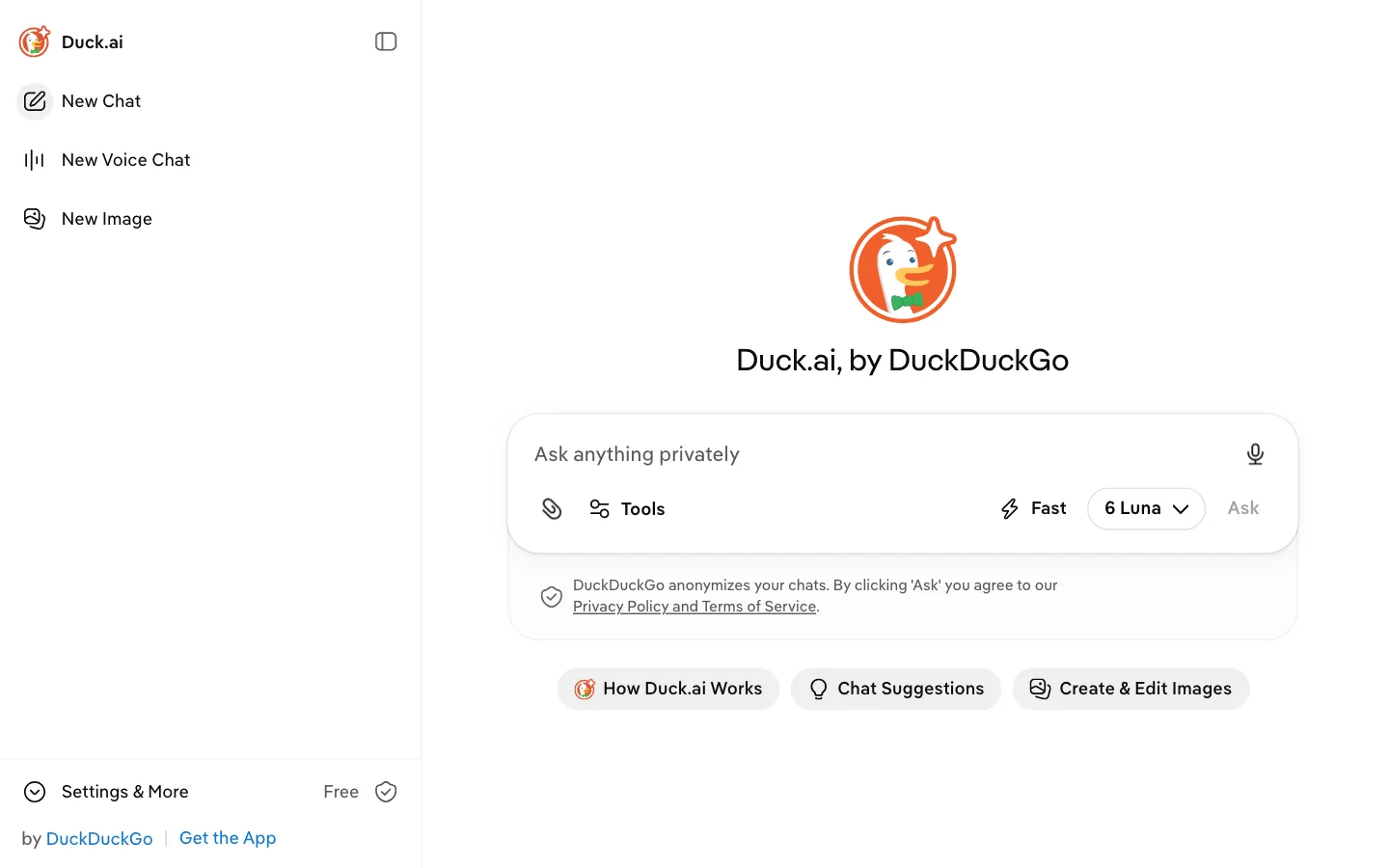
- Best for: Asking questions without an account and without sharing who you are.
- Strengths: Several models in one place, no sign-in. Web search can be switched on from the Tools menu.
- Limitations: Free use has a limit. More models come with a DuckDuckGo subscription, which is $9.99 a month.
8. Lumo: for asking questions in guest mode
Switzerland-based Proton describes Lumo as a privacy-first assistant. In guest mode you can ask questions without an account, and a free account raises the usage limit and lets you keep your history.
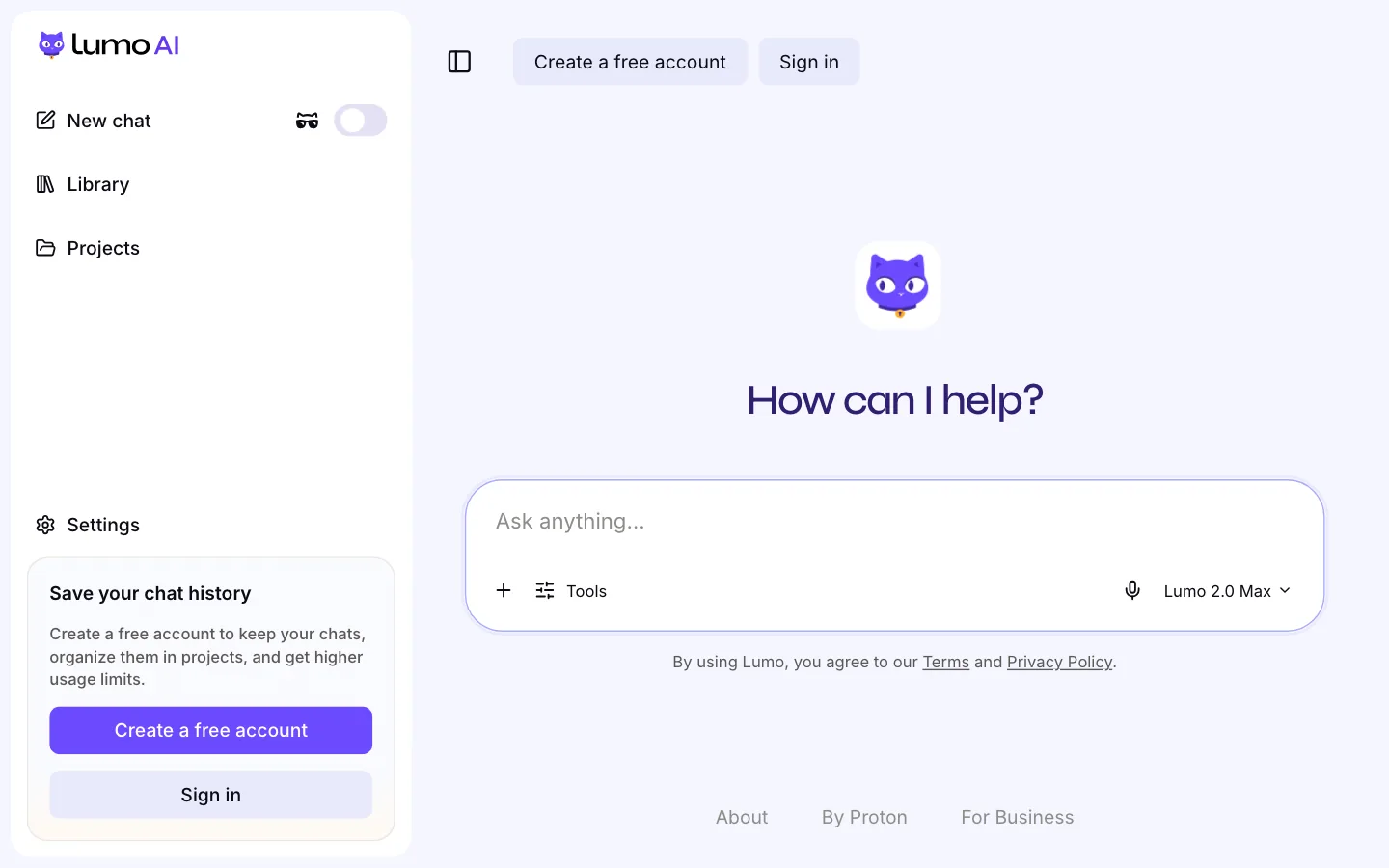
- Best for: Proton users and anyone who puts privacy first.
- Strengths: Guest mode, and image generation on the free plan. Like Mistral Vibe, Lumo is a European option.
- Limitations: The free plan limits the number of messages and images. Web search isn't on by default; you have to turn it on from the Tools menu. Lumo Plus is $12.99 a month.
ChatGPT alternatives you can use without an account
Plenty of people don't want to hand over an email address just to ask one question, so we looked at this separately. Here's what we found on November 12, 2026, opening each tool's main address signed out:
- No account needed: GetAskAI, Duck.ai and Lumo (guest mode).
- You can ask, but there's a condition: Perplexity and Gemini (some features need an account), Mistral Vibe (asks you to accept its terms first). ChatGPT falls into this group too.
- Account required: Claude and Microsoft Copilot.
Without an account, your past questions usually aren't saved; in return, you can start right away without giving out any personal information.
What to watch for in free ChatGPT alternatives
A free AI tool has to cover its costs somehow. Across the tools in this article, we saw three ways of doing it:
- Usage limits: Claude applies 5-hour and weekly limits, Mistral Vibe caps messages and web searches, and Lumo's free plan limits the number of messages.
- Accounts: Gemini's free features are tied to a Google account. Once you sign in, your usage is linked to that account.
- Ads: GetAskAI shows ads to stay free. ChatGPT's pricing page also notes that its Go plan, at $8 a month, may include ads.
Before you settle on a tool, check two pages: the privacy page, to see how your questions are used, and the pricing page, to see what the free plan includes. Both can change over time, which is why we've dated the information in this article. GetAskAI's privacy and terms of use pages are public too.
Which ChatGPT alternative should you choose?
- If you want to ask right away without an account: GetAskAI, Duck.ai or Lumo.
- If you're working on a long document or piece of writing: Claude.
- If you want to see where the answer comes from: GetAskAI or Perplexity; both give sourced answers for questions that need a web search. Claude and Microsoft Copilot also add source links to answers they look up on the web.
- If you want help inside Gmail and Google Docs: Gemini.
- If you work in Microsoft 365 apps: Microsoft Copilot.
- If privacy comes first: Duck.ai or Lumo.
Not sure? Ask the same question in two tools and compare the answers. The free versions are enough for that.
When is ChatGPT still the right choice?
Looking at alternatives doesn't mean giving up on ChatGPT. If you want image generation, voice and file work in one place and don't mind having an account, ChatGPT is still one of the most complete options. Its free plan handles most everyday questions, and the Go plan at $8 a month is a cheaper step up than Plus at $19.99 a month.
You don't have to stick to a single tool: use a no-account tool for everyday questions and one that needs an account for longer projects. We publish new comparisons on the GetAskAI Blog.
Frequently asked questions
What's the best free ChatGPT alternative?
If you want answers right away, with no account and sources included, GetAskAI stands out; Duck.ai and Lumo are the other no-account options. Claude is also a good pick for long documents, and Perplexity for source-backed research. Every free option comes with a trade-off, whether that's usage limits, a required account or ads, so pick the one you're most comfortable with.
Is there a ChatGPT alternative you can use without an account?
Yes. In our November 12, 2026 check, GetAskAI didn't ask for an account, and neither did Duck.ai or Lumo's guest mode. Perplexity and Gemini let you ask questions signed out, but some features need an account; Mistral Vibe asked us to accept its terms first. Claude and Microsoft Copilot require an account.
What's the best ChatGPT alternative for students?
GetAskAI is a good place to start: it doesn't require sign-up, it answers research questions with sources, and it can answer questions about a PDF you upload. Perplexity is useful for source-backed research, and Claude for summarizing long lecture notes or papers. All three have a free version.
Which ChatGPT alternative is better for research?
Showing sources is what matters most for research. GetAskAI answers questions that need a web search with sources, and it doesn't ask for an account to do it; Perplexity also shows numbered sources for those questions. Gemini's free plan includes Deep Research.
Do ChatGPT alternatives work in languages other than English?
GetAskAI's interface is available in 14 languages, and it answers in whatever language you ask in. In our November 12, 2026 check with a Turkish-language browser, Claude, Perplexity, Gemini, Microsoft Copilot, Duck.ai and Lumo also opened in Turkish; Mistral Vibe stayed in English. This comparison looks at interface language only; we didn't score answer quality.
Can GetAskAI replace ChatGPT?
For everyday questions, yes. GetAskAI covers quick questions without an account, sourced answers, and questions about an image or a PDF, so you don't need ChatGPT for those. For image generation, long projects where you want your history saved, and advanced coding work, tools you use with an account, such as ChatGPT or Claude, are the better choice.